

About
Zencastr is an end-to-end podcast and video creation platform that eliminates the need to juggle multiple tools. At its core is high-fidelity 4K, 48kHz WAV multi-track recording — available on both desktop and mobile — that captures each participant locally to ensure pristine audio and video regardless of internet conditions. ZenAI, Zencastr's built-in AI engine, powers two standout features: AI Editing lets creators edit audio or video simply by editing a transcript, dramatically cutting post-production time. AI Clipping automatically detects highlight moments and generates ready-to-post social media clips in a single click. Beyond recording and editing, Zencastr offers next-generation audio and video hosting with deep analytics, an embeddable player, dynamic ad insertion, and video RSS for podcast distribution. Team collaboration tools make it easy for co-hosts and remote guests to record together, while 99%-accurate transcriptions make content accessible and searchable. Monetization features are baked directly into the platform, giving podcasters a path to earn revenue without leaving the app. Zencastr is designed to be approachable for beginners yet powerful enough for professional studios — making it the go-to choice for podcasters, YouTube creators, journalists, and marketers who need broadcast-quality output at speed.
Key Features
- 4K Multi-Track Recording: Record audio and video locally at 4K resolution and 48kHz WAV quality on desktop or mobile, keeping each participant's track separate for professional-grade post-production.
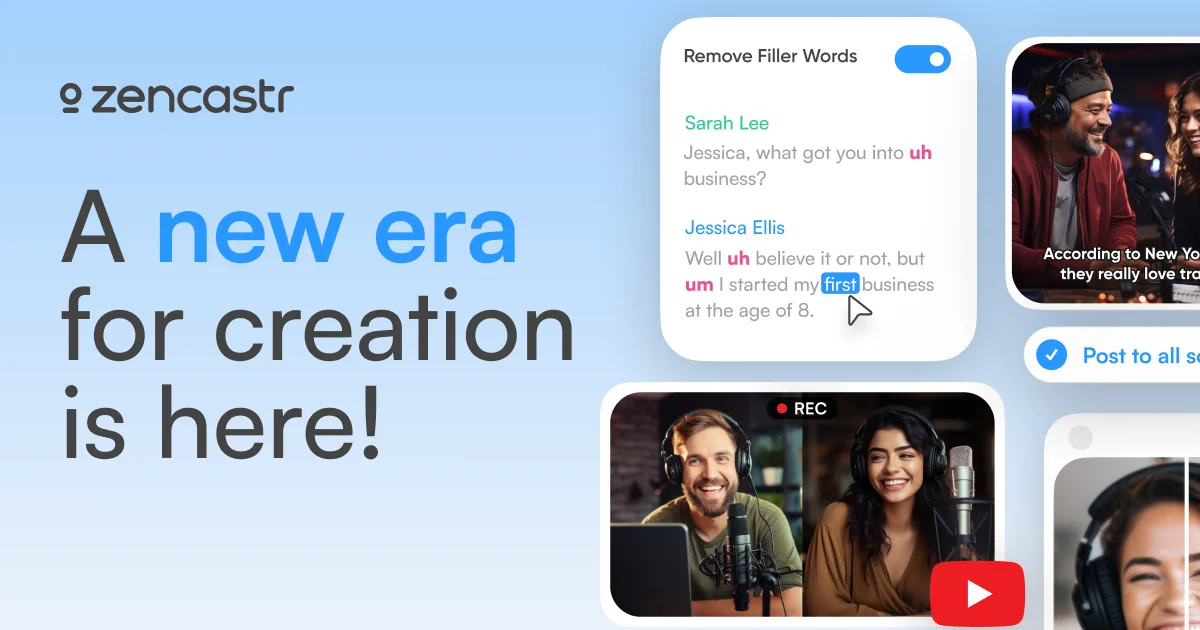
- AI Editing (ZenAI): Edit your audio or video podcast as easily as editing a text document — delete words in the transcript and ZenAI removes them from the media automatically.
- AI Clipping: ZenAI scans your recordings and auto-generates shareable, ready-to-post social media clips with a single click — no manual trimming required.
- Video & Audio Hosting with Analytics: Host your episodes on Zencastr's next-generation platform with deep listener analytics, an embeddable player, video RSS, and dynamic content insertion.
- Built-In Monetization: Earn revenue directly from your show through Zencastr's native monetization tools, including dynamic ad insertion and sponsorship integrations.
Use Cases
- Recording remote podcast interviews with guests in different locations while maintaining studio-quality audio.
- Automatically generating short-form social media clips from long-form podcast or video episodes using AI Clipping.
- Editing podcast episodes quickly by deleting unwanted sections directly in an AI-generated transcript.
- Hosting, distributing, and analyzing podcast performance with built-in analytics and an embeddable player.
- Monetizing a podcast show through dynamic ad insertion and Zencastr's native sponsorship monetization tools.
Pros
- True All-in-One Workflow: Record, edit, transcribe, host, distribute, and monetize without switching between apps — everything is unified inside Zencastr.
- Broadcast-Quality Recording: Local 4K 48kHz WAV multi-track capture means each guest's audio is pristine regardless of their internet connection, eliminating the biggest remote recording headache.
- AI Dramatically Cuts Production Time: AI Editing and AI Clipping automate the most time-consuming post-production tasks, letting creators publish faster and repurpose content effortlessly.
- Free Tier Available: New creators can get started for free and explore core recording and editing features before committing to a paid plan.
Cons
- Primarily Cloud/Browser Dependent: Most features require an internet connection and a modern browser, which may be limiting for creators who prefer fully offline desktop workflows.
- Advanced Features Locked Behind Paid Plans: AI Clipping, 4K recording, analytics, and monetization tools are gated behind higher-tier subscriptions, which can add up for solo creators on a tight budget.
- Less Granular Audio Control Than DAWs: While AI Editing is convenient, Zencastr's editor is not a full-featured DAW — creators needing deep audio mixing or mastering may still require a separate tool like Audacity or Adobe Audition.
Frequently Asked Questions
What is Zencastr and who is it for?
Zencastr is an all-in-one audio and video creation platform designed for podcasters, video creators, and interviewers. It handles everything from high-quality remote recording to AI-powered editing, hosting, distribution, and monetization in a single platform.
Is Zencastr free to use?
Yes, Zencastr offers a free tier that lets you get started with core recording features. Advanced features like 4K video, AI Clipping, deep analytics, and monetization are available on paid plans.
How does Zencastr ensure good audio quality for remote guests?
Zencastr records each participant's audio and video locally on their own device and then uploads the high-quality files to the cloud. This means poor internet connections don't degrade the final recording quality.
What is ZenAI and how does AI editing work?
ZenAI is Zencastr's built-in AI engine. AI Editing generates a transcript of your recording and lets you cut words, sentences, or sections simply by deleting them in the transcript — the corresponding audio and video are removed automatically.
Can I record a podcast on my phone with Zencastr?
Yes. Zencastr supports mobile recording on both iOS and Android, allowing you to capture high-quality audio and video episodes directly from your smartphone.