About
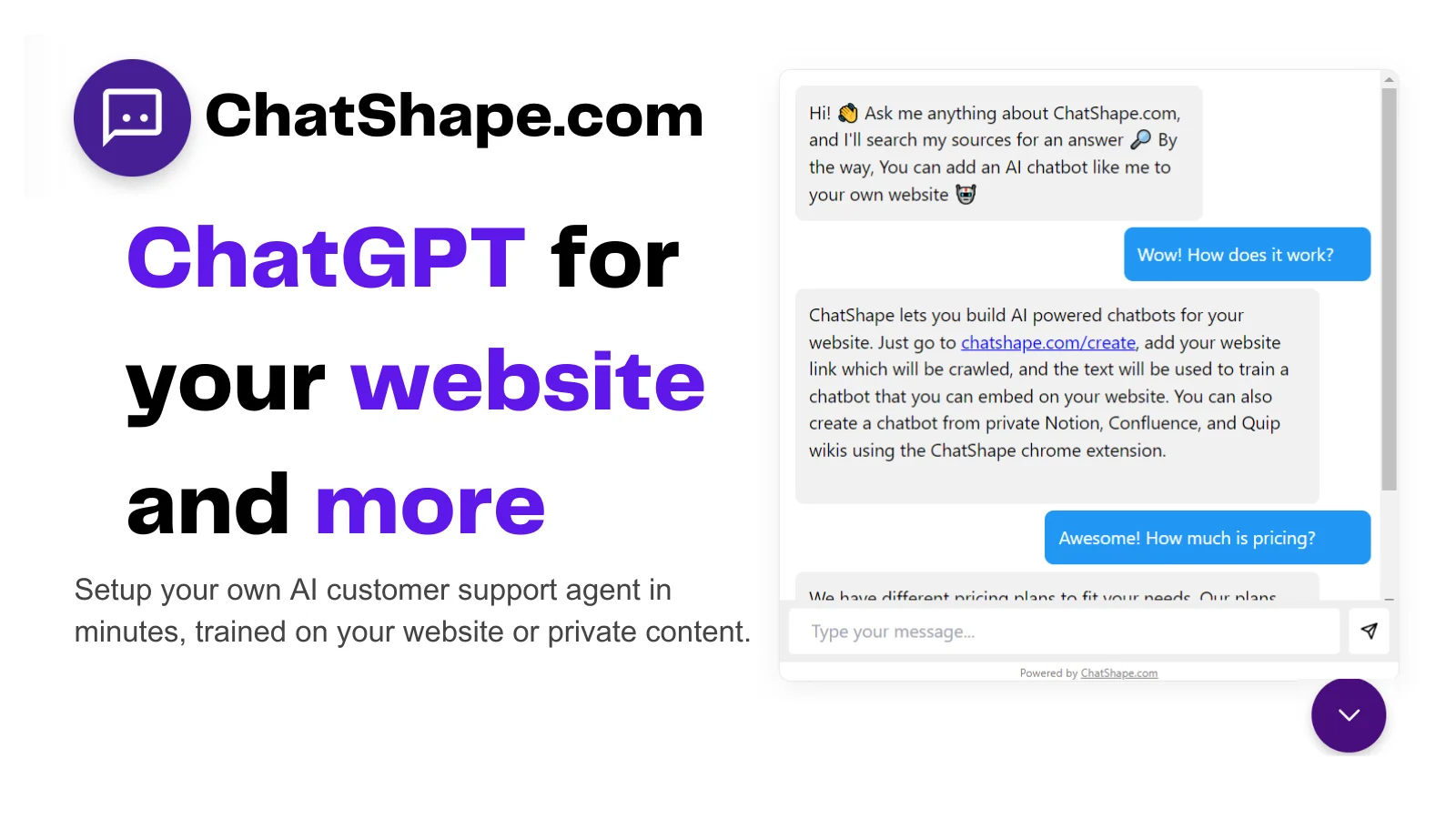
ChatShape is a no-code platform that enables businesses to build custom AI chatbots trained directly from their website content or uploaded PDF documents. Simply provide your site URL, and ChatShape's crawler extracts all visible text, using it to train a chatbot that can answer visitor questions instantly and accurately. Once created, the chatbot can be embedded on any website via a simple script tag. It supports full branding customization — including colors, tone, and messaging — so the bot feels native to your brand. Businesses can also enable a lead capture form within the chat window to automatically collect visitor emails and contact details, with analytics on country of origin and conversation history available in the dashboard. ChatShape is trusted by over 10,000 businesses and has demonstrated strong results, with some users reporting up to 85% AI deflection of support queries. The platform supports multiple web sources and PDF uploads, with source limits varying by plan. All chatbot conversations are logged and exportable, giving teams visibility into customer interactions. The tool also allows ongoing tuning of the AI's prompt and responses without needing to rebuild the bot. Ideal for small businesses, startups, SaaS companies, and service providers looking to automate customer support, qualify leads, and improve website engagement without developer resources.
Key Features
- Website-Trained Chatbot: Crawls your website URL automatically to extract content and train a custom AI chatbot without any manual data entry.
- PDF Upload Support: Upload multiple PDF files to build a chatbot trained on internal documents, guides, or product manuals.
- Lead Collection: Display an email capture form inside the chat window to collect and export visitor leads along with conversation history and country data.
- Full Branding Customization: Adjust chatbot colors, tone, start messages, and AI prompt to match your brand's voice and visual identity.
- Conversation Analytics & Export: View all chatbot conversations in a dashboard and export them as files to analyze customer interactions and improve support.
Use Cases
- Automating 24/7 customer support on a business website to answer FAQs without human agents
- Collecting visitor leads and email addresses through conversational chat interactions
- Providing instant answers to product or service questions for e-commerce and SaaS companies
- Building a self-service knowledge bot from internal PDF documentation for consulting or professional services
- Reducing support ticket volume and agent workload by deflecting common queries with AI responses
Pros
- Extremely Fast Setup: Just paste your website link to have a trained chatbot ready to embed — no coding or data labeling needed.
- No Credit Card Required to Start: Businesses can try the platform and create a chatbot before committing to a paid plan.
- Proven Support Deflection: Customers have reported up to 85% AI deflection of support queries, significantly reducing manual workload.
- Built-in Lead Generation: Combines customer support automation with lead capture in one tool, adding direct business value beyond just answering questions.
Cons
- Limited Custom Data Integration: Adding large custom datasets or custom integrations beyond web scraping and PDFs requires emailing support rather than a self-serve option.
- Source Size Tied to Plan: The number of web pages and total character count the bot can be trained on is capped depending on your subscription tier.
- No Native Multilingual Interface Mentioned: The platform does not explicitly advertise multilingual support, which may be a limitation for global businesses.
Frequently Asked Questions
How does ChatShape train my chatbot?
ChatShape crawls your website URL, extracts all visible and copyable text from each page, and uses that content to train a custom AI chatbot. You can also upload PDF files as additional training sources.
Can I collect leads with my ChatShape chatbot?
Yes. You can enable an email input form inside the chat window. Collected leads, along with their country of origin and conversation history, appear in your dashboard and can be exported as a CSV file.
Do I need coding skills to embed the chatbot on my website?
No. Once your chatbot is created, you simply copy a script tag from your dashboard and paste it into your website's HTML. No developer knowledge is required.
Can I customize how the chatbot looks and responds?
Yes. You can customize the chatbot's branding (colors, name), tone, start message, and AI prompt instructions. You can continue tuning these settings after the bot is live on your website.
What is the maximum number of sources I can use?
The maximum number of web pages and total character count for training sources depends on your chosen plan. You can add additional web pages to your bot's sources at any time after initial creation.