

About
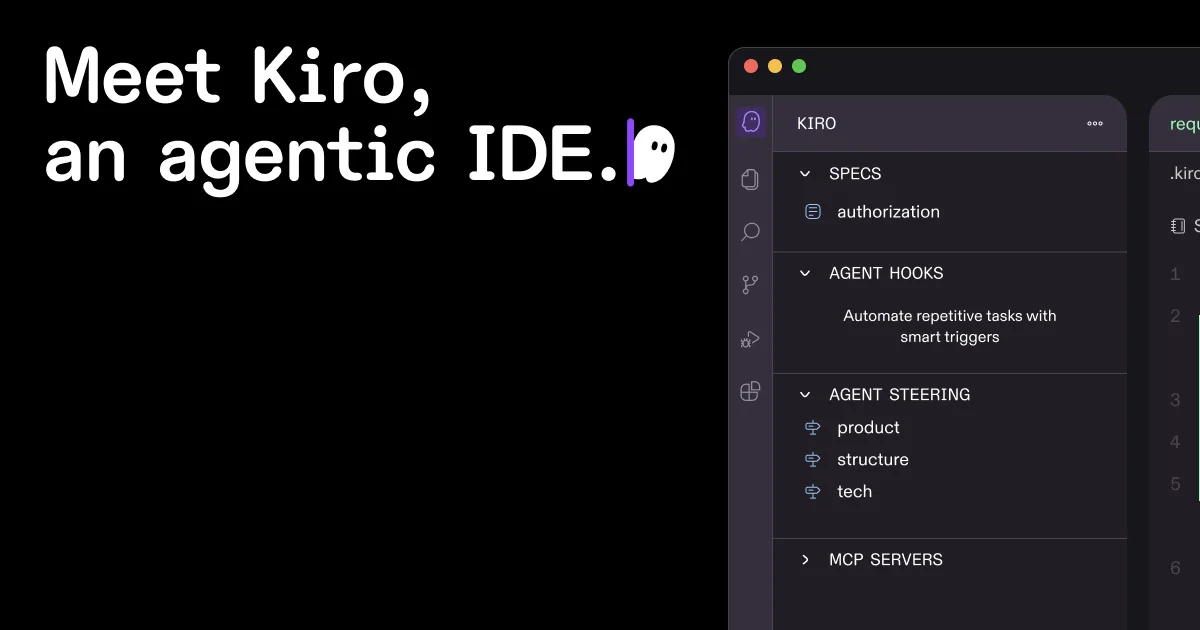
Kiro is an agentic AI development environment built by AWS that bridges the gap between vibe coding and production-ready software. At its core is spec-driven development: Kiro transforms a natural language prompt into structured requirements using EARS notation, generates codebase-aware architectural designs, and produces a sequenced implementation plan with discrete, dependency-mapped tasks — all before a single line of code is written. Developers can unleash advanced AI agents to implement tasks autonomously, fix bugs in minutes, and iterate on features across large, complex codebases. Agent hooks let you delegate recurring work — like generating docs, writing unit tests, or optimizing performance — to AI that triggers automatically on file save or other events. Kiro ships with a powerful CLI for macOS and Linux, enabling agents to build features, trace bugs, and automate workflows directly from any terminal, locally or over SSH. Native MCP integration connects Kiro to external docs, databases, and APIs, while steering files give teams full control over agent behavior, coding standards, and context per project or globally. The IDE is compatible with Open VSX plugins, themes, and VS Code settings, so switching feels familiar. Autopilot mode handles large tasks end-to-end while keeping you in control of scripts and commands. Per-prompt credit tracking ensures full visibility into usage and spend. Kiro is ideal for professional developers, engineering teams, and enterprises building sophisticated software at speed.
Key Features
- Spec-Driven Development: Converts natural language prompts into structured EARS-notation requirements, architectural designs, and sequenced implementation task plans before any code is written.
- Autonomous Agent Hooks: Delegates recurring tasks — documentation generation, unit test creation, performance optimization — to AI agents that trigger automatically on events like file save.
- Kiro CLI: Access Kiro's full agent capabilities from any terminal on macOS or Linux, locally or over SSH, for building features, tracing bugs, and automating workflows without leaving your shell.
- Native MCP Integration: Connect Kiro to external docs, databases, and APIs through native Model Context Protocol support, including remote MCP servers, to enrich agent context with your real-world data.
- Steering Files & Context Management: Configure agent behavior, coding standards, and preferred workflows per project or globally via steering files, giving teams precise control over how Kiro operates across codebases.
Use Cases
- A senior developer uses Kiro's spec-driven workflow to scaffold a new microservice: requirements, system design, and task breakdown are generated in minutes, and agents implement each task while the developer reviews and steers.
- An engineering team configures agent hooks to automatically generate unit tests and update API documentation on every file save, reducing manual toil across a large monorepo.
- A startup uses Kiro CLI over SSH to build and iterate on backend features directly on a remote dev server, keeping the entire workflow in the terminal without a GUI.
- An enterprise team applies steering files to enforce company-wide coding standards, security policies, and preferred frameworks across all projects, ensuring every AI-generated code change meets internal guidelines.
- A developer drops a screenshot of a UI mockup into Kiro's multimodal chat to scaffold a matching frontend component, then uses autopilot mode to let agents build out the full implementation autonomously.
Pros
- Structured AI Coding Workflow: Spec-driven development enforces clear requirements and architectural planning before implementation, reducing hallucinations and misaligned output common in free-form AI coding.
- Deep Codebase Awareness: Advanced context management with specs and steering means Kiro can handle large, complex codebases in fewer prompting rounds compared to generic AI coding tools.
- Familiar VS Code Ecosystem: Supports Open VSX plugins, themes, and VS Code settings so developers can adopt Kiro without abandoning their existing tooling and extensions.
- Transparent Credit Usage: Per-prompt credit tracking in real time gives individuals and teams full visibility into AI usage costs, preventing surprise overages.
Cons
- macOS and Linux Only for CLI: The Kiro CLI installer currently targets macOS and Linux; Windows developers must rely on the desktop IDE or WSL for terminal-based workflows.
- Credit-Based Cost Model: Heavy usage of advanced agents and autopilot mode can consume credits quickly, making costs harder to predict for teams running large autonomous tasks.
- Structured Workflow Has a Learning Curve: Spec-driven development requires upfront investment in writing requirements and reviewing designs, which may feel slower than free-form prompting for small, quick tasks.
Frequently Asked Questions
What is spec-driven development in Kiro?
Spec-driven development is Kiro's core workflow: you provide a natural language prompt, and Kiro generates explicit requirements in EARS notation, an architectural design tailored to your codebase, and a sequenced task plan. Agents then implement each task, grounding all AI output in a verifiable, human-readable spec.
Which AI models power Kiro?
Kiro is powered by Claude Sonnet 4.5 for advanced coding and reasoning tasks. It also offers an 'Auto' mode that blends frontier models — including Sonnet 4.5 and specialized models — for intent detection and caching to balance quality, latency, and cost.
Is Kiro compatible with my existing VS Code setup?
Yes. Kiro supports Open VSX plugins, themes, and VS Code settings, so most extensions and customizations carry over into the Kiro environment with minimal adjustment.
What are agent hooks?
Agent hooks let you pre-define prompts that trigger AI agents automatically on events like file save. For example, you can configure a hook to generate documentation or write unit tests every time you save a source file, delegating repetitive tasks to the agent in the background.
How does Kiro's CLI work?
The Kiro CLI installs on macOS and Linux via a single curl command and exposes the full agent runtime in your terminal. You can build features, analyze errors, trace bugs, and automate workflows locally or over SSH in a highly interactive loop, without opening the desktop IDE.