

About
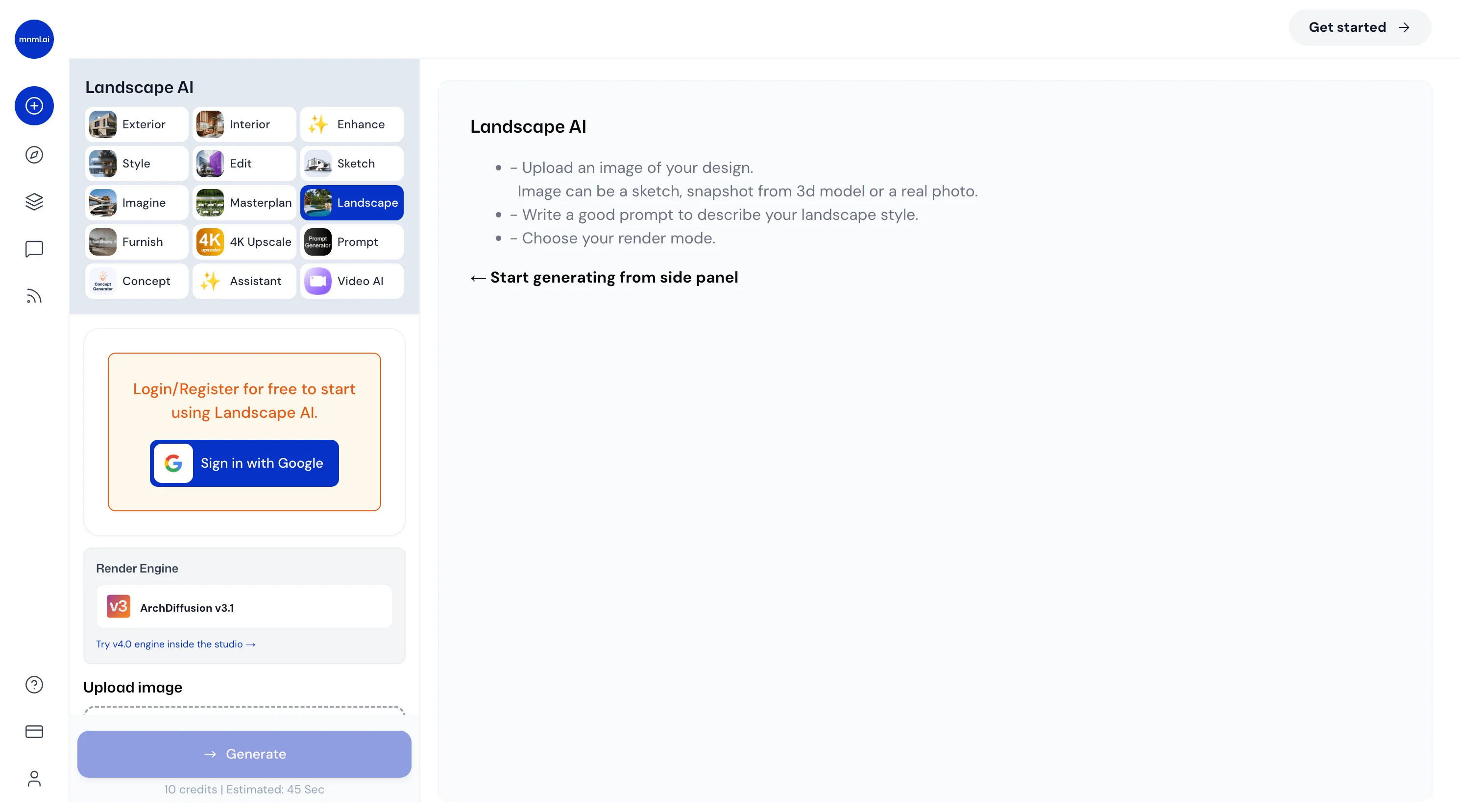
Landscape AI is a specialized tool within the mnml.ai AI architecture rendering platform, designed to reimagine gardens, yards, backyards, entrances, and other outdoor spaces through the power of generative AI. Users simply upload a photo of an existing outdoor area, write a short descriptive prompt, and receive a photorealistic landscape render in approximately 30 seconds. The tool offers exceptional customization through dedicated Landscape Settings, including over 40 design styles such as Modern, Tropical, Mediterranean, Japanese, Contemporary, and English Garden. Users can fine-tune vegetation density (sparse to dense), add water features like ponds, pools, fountains, or waterfalls, configure hardscape elements from minimal pathways to full patios and decks, and control outdoor furniture presence and lighting levels ranging from subtle accent to dramatic. Beyond landscape-specific controls, users can set the time of day (morning, golden hour, sunset, night), weather conditions (clear, foggy, snowy, rainy), and ground conditions. Multiple render styles are available — Photoreal, CGI, CAD, Watercolor, Freehand Sketch, and more — along with geometry control to balance precision and creative freedom. Up to four reference images can be uploaded to guide the AI output. Landscape AI is ideal for landscape architects, real estate professionals, homeowners planning renovations, and design studios seeking fast, high-quality concept visualizations without the cost or time of traditional 3D rendering workflows.
Key Features
- Photo-to-Design Rendering: Upload any outdoor photo and receive a photorealistic landscape redesign in approximately 30 seconds using the latest AI engine.
- 40+ Landscape Styles: Choose from a wide range of design styles including Modern, Tropical, Mediterranean, Japanese, Contemporary, Natural, Minimalist, and English Garden.
- Granular Environment Controls: Customize vegetation density, water features, hardscape elements, outdoor furniture, lighting levels, time of day, weather, and ground conditions.
- Multiple Render Modes: Switch between Photoreal, CGI, CAD, Watercolor, Freehand Sketch, Model, and Illustration render styles to match any presentation need.
- Reference Image Guidance: Upload up to 4 reference images to guide the AI generation and achieve a look closer to a specific inspiration or style.
Use Cases
- A landscape architect uploads a client's backyard photo to quickly generate multiple photorealistic redesign concepts for a proposal presentation.
- A real estate agent uses Landscape AI to show potential buyers what a property's overgrown front yard could look like after professional landscaping.
- A homeowner planning a garden renovation explores different styles (Japanese, Mediterranean, Modern) before committing to a design direction.
- An architecture firm uses the CAD and Watercolor render modes to create stylized landscape visuals for planning submissions and concept boards.
- A property developer generates landscape visualizations for marketing materials of new residential developments before construction is complete.
Pros
- Fast Turnaround: Generates high-quality photorealistic renders in around 30 seconds, dramatically faster than traditional landscape rendering workflows.
- Highly Customizable Output: Granular controls over style, vegetation, hardscape, lighting, weather, and time of day give users precise creative direction.
- No Design Software Required: Works entirely from a photo upload and short text prompt — no CAD skills, 3D modeling, or specialized software needed.
- Versatile Render Styles: Multiple render modes (Photoreal, Watercolor, CAD, etc.) make it suitable for client presentations, concept boards, and technical drawings alike.
Cons
- Credit-Based Pricing: Each render costs 30 credits, meaning heavy users will need to purchase additional credits, which can add up for large projects.
- Web-Only Platform: Landscape AI is only accessible via browser with no dedicated desktop or mobile app, limiting offline or on-site use.
- Output Depends on Photo Quality: The quality and accuracy of the generated design is heavily influenced by the resolution and clarity of the uploaded source photo.
Frequently Asked Questions
What types of outdoor spaces can Landscape AI redesign?
Landscape AI can redesign gardens, front yards, backyards, building entrances, patios, courtyards, and any other outdoor space captured in an uploaded photo.
How long does it take to generate a landscape design?
Generations are estimated at approximately 30 seconds per render using the standard AI engine.
Do I need design experience to use Landscape AI?
No. You only need to upload a photo and optionally write a short description. The tool's settings menus handle all style and environment customization without any technical design skills.
Can I control the architectural style of the output?
Yes. Landscape AI offers over 40 style presets including Modern, Tropical, Mediterranean, Japanese, Classical, and English Garden, plus controls for vegetation, water features, hardscape, and lighting.
What render styles are available?
Users can choose from Photoreal, RAW, CGI, CAD, Freehand Sketch, Model, Illustration, and Watercolor render modes to suit different presentation formats.