
About
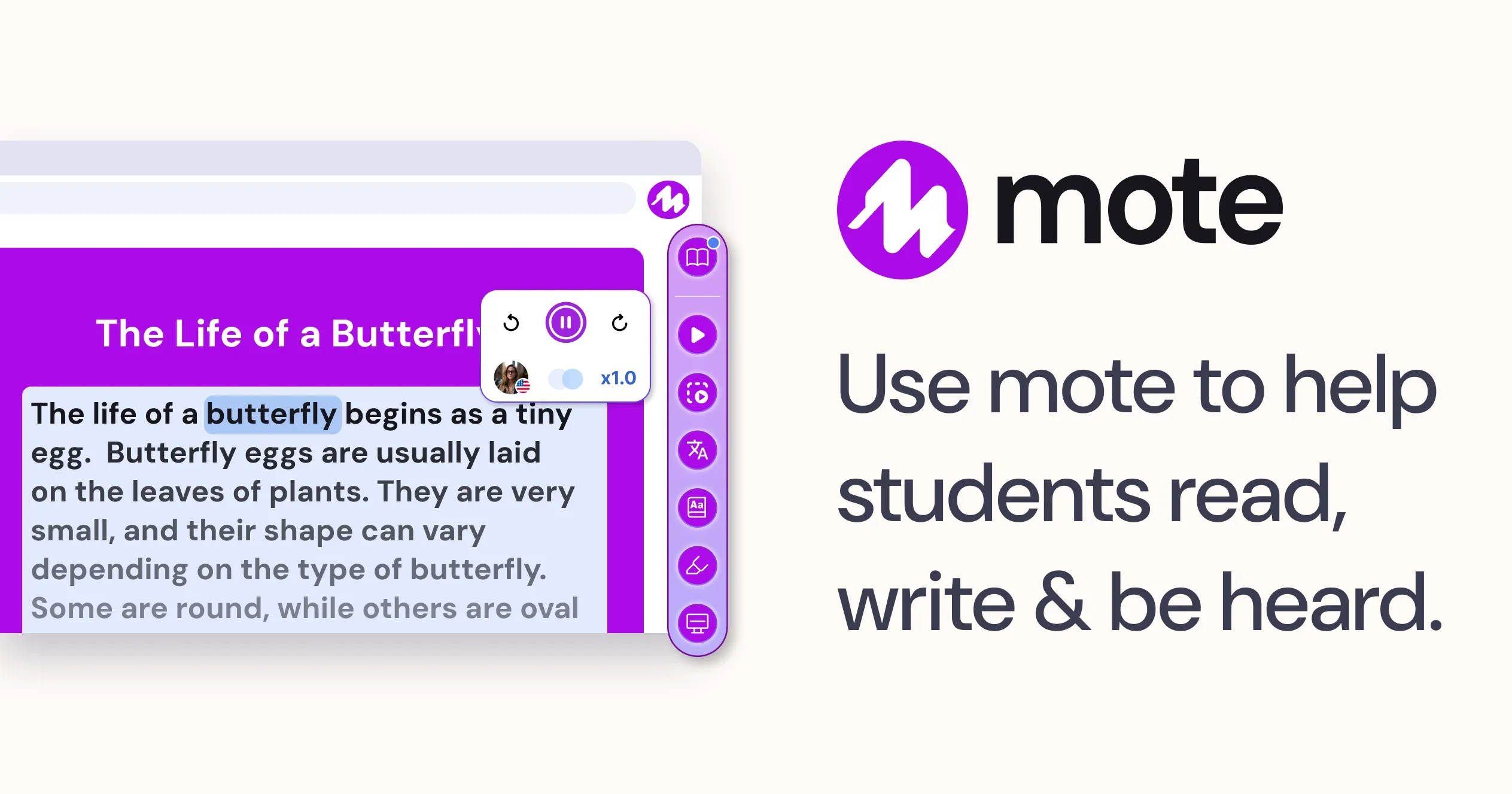
Mote is an AI-powered educational Chrome extension built to support students and teachers across Google Workspace and the broader web. It addresses the diverse needs of learners by offering four core capabilities: Read Aloud, Speech to Text, Translation, and Voice Messaging. With Read Aloud, students can have any webpage or app content spoken back to them in natural-sounding voices, and teachers can embed audio directly into Google Forms assessments and Google Slides presentations. The Translation feature supports 60+ languages, allowing students to convert any web content into text or speech in their native language — and teachers can control how many translations each student uses. Speech to Text enables students to dictate in 60+ languages with automatic punctuation, saving time for both learners and educators writing instructions. Voice Messaging lets teachers leave personalized voice notes across Google Docs, Slides, Forms, and more, while students can listen and respond in their own voice. Mote integrates deeply with Google Workspace for Education and is fully COPPA and FERPA compliant, making it a safe choice for K-12 classrooms. It is especially valuable for diverse learners, English language learners, and students with reading or writing challenges. Mote offers a free plan, making it accessible to schools of all sizes, with premium features available for institutions.
Key Features
- Read Aloud: Students can have any webpage or Google Workspace content read aloud in natural-sounding voices; teachers can embed audio in Forms and Slides.
- Speech to Text: Students and teachers can dictate in 60+ languages with automatic punctuation, turning spoken words into written text instantly.
- Translation: Any webpage or app content can be translated into text or speech in 60+ languages, supporting multilingual classrooms.
- Voice Messaging: Teachers can embed personalized voice notes across Google apps; students can listen and respond with their own voice recordings.
- Google Workspace Integration: Purpose-built for Google Workspace for Education, with deep integrations in Google Docs, Forms, Slides, and more.
Use Cases
- Teachers leaving personalized voice feedback on student assignments in Google Docs to save time and increase student engagement.
- English Language Learners using Mote's translation feature to access web and classroom content in their native language.
- Students with dyslexia or reading difficulties using Read Aloud to have textbooks, websites, and assessments read to them.
- Educators creating accessible Google Forms quizzes with embedded audio instructions for younger or struggling readers.
- Students dictating essays or responses using Speech to Text to overcome writing barriers and speed up assignment completion.
Pros
- Broad accessibility support: Helps diverse learners, ELL students, and those with reading/writing challenges through multiple modality options.
- Seamless Google Workspace integration: Works natively across Google Docs, Slides, Forms, and the wider web via Chrome extension with minimal setup.
- Free to get started: A generous free tier makes Mote accessible to schools and individual educators without budget barriers.
- Privacy compliant: Fully COPPA and FERPA compliant, ensuring student data is protected in regulated school environments.
Cons
- Chrome-only: Mote is limited to the Chrome browser, excluding users on Safari, Firefox, or non-Chromium browsers.
- Google Workspace dependency: Full feature benefits are realized only within Google Workspace; users on other platforms get limited functionality.
- Usage limits on free plan: The free tier restricts features like the number of translations and voice note lengths, requiring an upgrade for heavy use.
Frequently Asked Questions
What is Mote?
Mote is an AI-powered Chrome extension designed for students and educators. It provides read aloud, speech-to-text, voice messaging, and translation tools that work across Google Workspace and any website.
Is Mote free to use?
Yes, Mote offers a free plan that includes core features. Premium plans are available for schools and districts that need advanced capabilities and higher usage limits.
How does Mote help students with diverse learning needs?
Mote supports diverse learners by offering text-to-speech read aloud, multilingual translation in 60+ languages, and speech-to-text dictation — allowing students to engage with content in the way that works best for them.
Is Mote compliant with student data privacy laws?
Yes, Mote is built to be COPPA and FERPA compliant, making it a safe and secure tool for use in K-12 school environments.
Which platforms does Mote work on?
Mote works as a Chrome browser extension and is deeply integrated with Google Workspace for Education apps including Google Docs, Slides, and Forms. It also works on general websites within Chrome.