

About
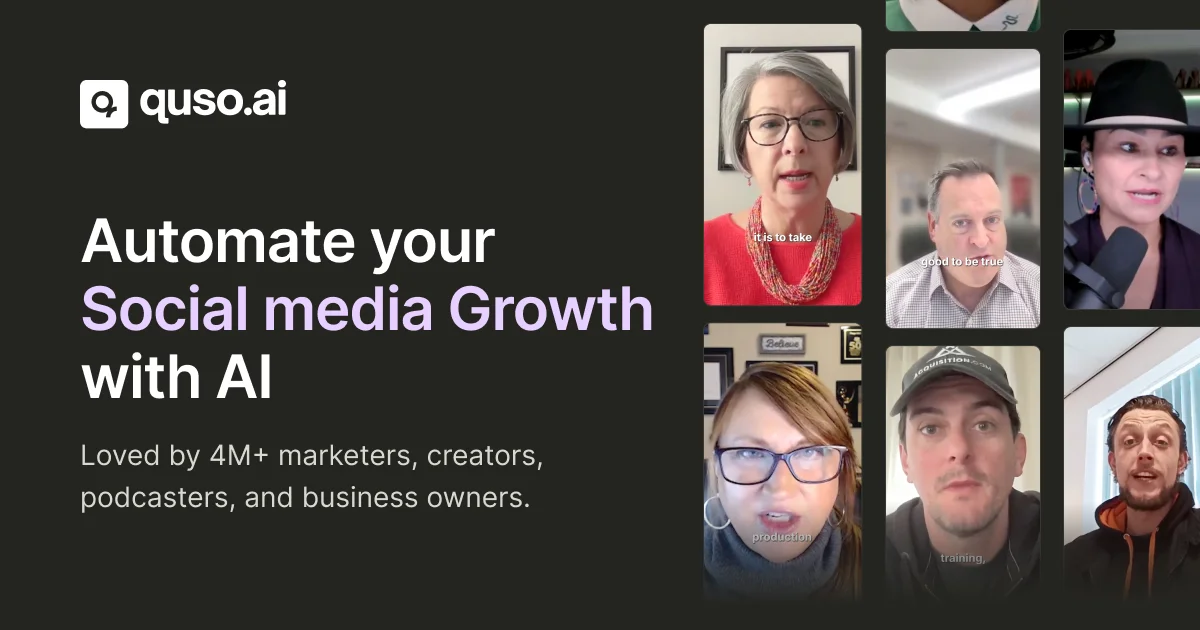
Quso.ai (formerly vidyo.ai) is a comprehensive AI-powered content creation and social media management platform designed for coaches, podcasters, marketers, and video creators. At its core, the platform converts long-form videos into engaging short clips optimized for social media — saving hours of manual editing. Key capabilities include an AI Clips Generator that identifies highlights from long videos, an AI Subtitle Generator supporting multiple languages (English, Spanish, French, German, and more), an AI Video Editor with filler word removal and auto B-roll insertion, and an AI Influencer avatar for faceless content creation. On the publishing side, Quso offers a full social media scheduler that integrates with Twitter/X, YouTube, LinkedIn, Pinterest, TikTok, Facebook, and Instagram. The built-in AI Content Planner, Social Media Analytics dashboard, and AI Caption Generator round out its end-to-end workflow. Additional AI writing tools — including a Hashtag Generator, Video Hooks Generator, YouTube Tags Generator, and Video Ideas Generator — help creators optimize reach and engagement. With support for teams (agencies, startups, small businesses, churches, non-profits) as well as individual creators, Quso is built to scale from solo content creators to full marketing departments. No credit card is required to get started.
Key Features
- AI Clips Generator: Automatically identifies the most engaging highlights from long-form videos and converts them into short, social-media-ready clips.
- AI Subtitle Generator: Generates accurate subtitles in multiple languages (English, Spanish, French, German, and more) with minimal manual effort.
- Social Media Scheduler: Schedule, publish, and manage content across 7 platforms — Twitter/X, YouTube, LinkedIn, Pinterest, TikTok, Facebook, and Instagram — from one dashboard.
- AI Video Editor: Includes filler word removal, B-roll library, custom clips, and smart editing tools powered by AI to polish videos quickly.
- AI Writing & Content Tools: Built-in tools for generating video hooks, hashtags, YouTube tags, video ideas, and social captions to maximize content reach and engagement.
Use Cases
- Podcasters repurposing full-length episodes into short audiogram or video clips for TikTok, Instagram Reels, and YouTube Shorts.
- Online coaches and educators turning long webinar or course recordings into bite-sized promotional clips for social media growth.
- Marketing managers scheduling and publishing branded content across multiple social platforms from a single content calendar.
- Agencies managing content creation, editing, subtitling, and social publishing for multiple clients within one unified dashboard.
- Video creators and freelancers streamlining their production pipeline by automating subtitle generation, filler word removal, and caption writing.
Pros
- All-in-one platform: Combines video editing, content repurposing, subtitle generation, and social media scheduling into a single unified dashboard — no need for multiple tools.
- Broad platform integrations: Natively connects to 7 major social media platforms, enabling seamless cross-platform publishing and analytics from one place.
- Large, proven user base: Trusted by 4M+ users including coaches, podcasters, and agencies, indicating strong reliability and continuous product improvement.
- No credit card required to start: Offers a free tier that lets new users explore core features without any financial commitment upfront.
Cons
- Feature overload for beginners: The breadth of tools and options can feel overwhelming for users who only need simple video trimming or basic scheduling.
- Advanced features behind paywall: More powerful capabilities such as unlimited clip exports, advanced analytics, and AI avatar creation are reserved for paid plans.
- AI clip quality varies: Automated clip selection may not always align perfectly with the creator's intent, requiring manual review and adjustments.
Frequently Asked Questions
What was vidyo.ai and how is it related to Quso?
vidyo.ai rebranded to quso.ai. The platform expanded its original video repurposing capabilities into a full social media AI marketing suite, now offering scheduling, analytics, AI avatars, and more.
Which social media platforms does Quso support?
Quso integrates with Twitter/X, YouTube, LinkedIn, Pinterest, TikTok, Facebook, and Instagram — covering 7 major platforms for scheduling and publishing.
Can Quso automatically create clips from long videos?
Yes. The AI Clips Generator analyzes your long-form video and automatically selects the most engaging segments to generate short clips optimized for social media.
Is Quso suitable for teams and agencies?
Absolutely. Quso offers tailored workflows for small businesses, startups, agencies, churches, and non-profits, with team collaboration features built into the platform.
Does Quso offer a free plan?
Yes. Quso offers a free tier with no credit card required, allowing users to explore core features before upgrading to a paid plan for advanced capabilities.