
About
Sembly AI is the #1 Meeting Intelligence Platform built for professional services and high-impact teams. It joins your meetings, captures every conversation, and transforms discussions into structured, actionable outputs — from polished sales proposals and project briefs to detailed meeting notes and task lists. At its core, Sembly leverages advanced AI to transcribe and analyze meetings in real time. It automatically tracks decisions, extracts and assigns action items with deadlines, monitors sentiment and engagement, and surfaces topic patterns across your entire meeting history. The AI Meeting Assistant lets you ask natural-language questions about any meeting and instantly receive documents, drafts, or summaries. Key capabilities include bespoke client deliverable generation (proposals, pitch decks, reports), conversation search across your full meeting archive, customizable templates and collections, and granular sharing rules to route meeting intelligence to the right stakeholders. Sembly also supports agent customization, letting teams brand their meeting bot with a unique name and avatar. With US and EU data residency options, enterprise-grade data retention controls, and recognition from Gartner as an Emerging Visionary, Sembly is trusted by established companies across Customer Success, Sales, Legal, Finance, HR, Marketing, and Product teams. It supports Zoom, Google Meet, and Microsoft Teams, making it a universal solution for meeting-driven organizations.
Key Features
- AI Meeting Transcription & Minutes: Automatically records and transcribes meetings on Zoom, Google Meet, and Microsoft Teams, generating structured meeting minutes with speaker attribution.
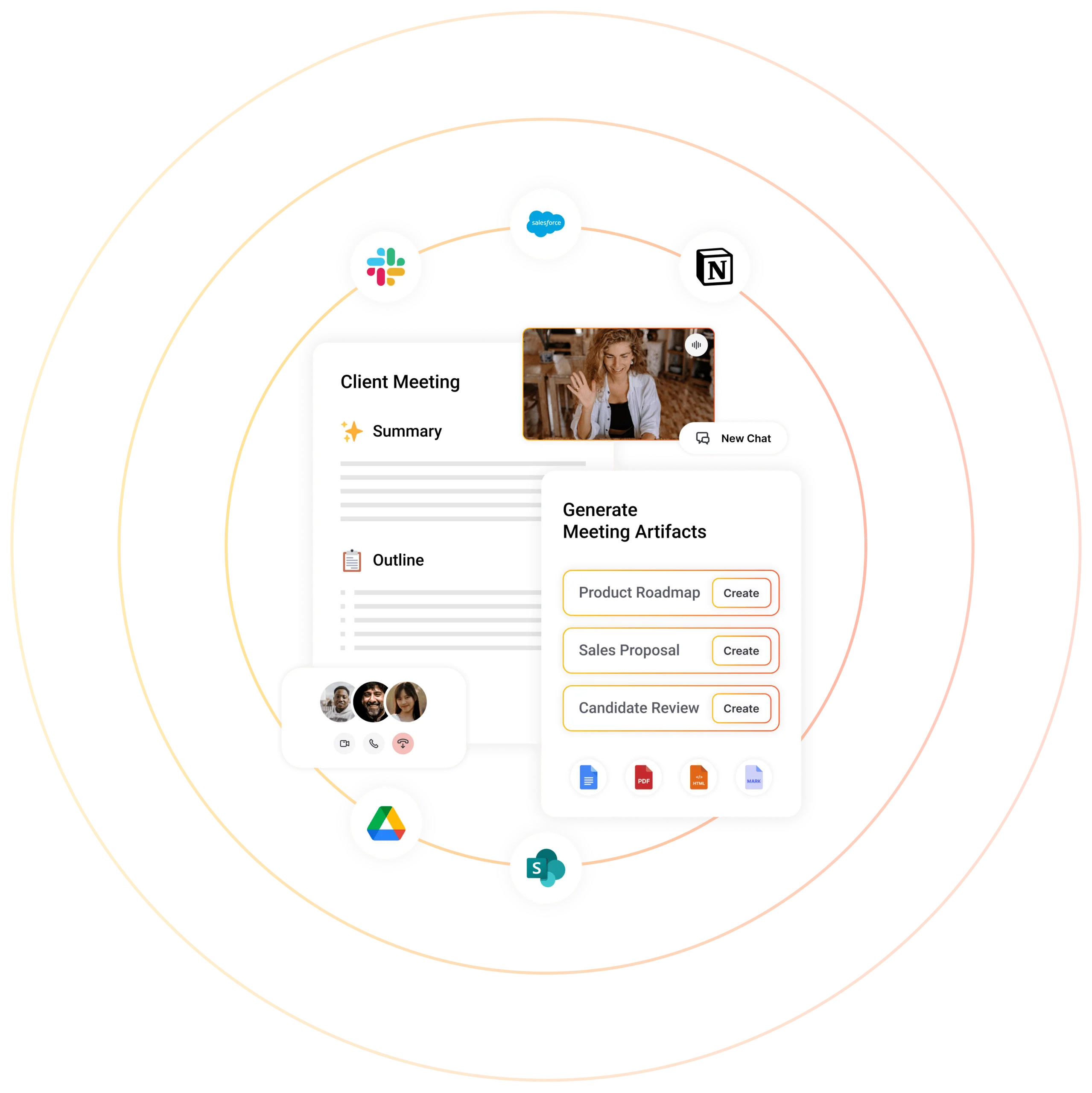
- Client-Ready Deliverable Generation: Generates sales proposals, project briefs, pitch decks, gap analyses, follow-up emails, and client reports directly from meeting conversations.
- Action Items Intelligence: Extracts, assigns, and syncs every action item with owners, deadlines, and dependencies, keeping projects and client relationships on track.
- Conversation Analysis & Insights: Analyzes sentiment, engagement, talk-time, and topic patterns across meetings, and tracks commitments and risks before they escalate.
- Seamless Integrations: Syncs meeting intelligence directly into Salesforce, Notion, Slack, HubSpot, and 50+ other tools via native integrations and custom connectors.
Use Cases
- Professional services firms automatically generating client reports, project briefs, and proposals from discovery and status meetings.
- Sales teams creating follow-up emails, pitch decks, and gap analyses immediately after prospect calls without manual note-taking.
- Project managers tracking decisions, action items, and commitments across all client and team meetings to prevent things from falling through the cracks.
- Customer success teams monitoring sentiment and engagement trends across accounts to identify at-risk relationships before they escalate.
- HR and legal departments maintaining structured, timestamped records of interviews, negotiations, and compliance-related meetings.
Pros
- Comprehensive Meeting Intelligence: Goes far beyond simple transcription to deliver decision tracking, sentiment analysis, topic pattern recognition, and full conversation search across meeting history.
- Client Deliverable Automation: Unique ability to generate polished, bespoke client documents (proposals, briefs, reports) directly from meeting content, saving hours of post-meeting work.
- Broad Integration Ecosystem: Connects with 50+ tools including major CRMs, project management platforms, and communication apps, making it easy to embed meeting intelligence into existing workflows.
- Enterprise-Grade Security & Compliance: Offers US and EU data residency options, configurable data retention controls, and Gartner recognition, making it suitable for regulated industries and global teams.
Cons
- Full Features Require Paid Plan: Advanced features like client deliverable generation, CRM integrations, and team-wide sharing rules are locked behind Professional, Team, or Enterprise tiers.
- Learning Curve for Advanced Features: The breadth of features — collections, sharing groups, custom templates, agent customization — may require onboarding time for new users to fully leverage the platform.
- Primarily Web-Based: Sembly is focused on web and integration-based workflows; there is limited standalone mobile or desktop app functionality for offline use.
Frequently Asked Questions
What meeting platforms does Sembly AI support?
Sembly AI supports Zoom, Google Meet, and Microsoft Teams. It joins meetings as an AI agent and can record, transcribe, and analyze conversations in real time on all three platforms.
Is there a free plan available?
Yes, Sembly AI offers a free tier that allows users to try its core meeting recording and transcription features. Paid plans (Personal, Professional, Team, Enterprise) unlock advanced capabilities like client deliverable generation and CRM integrations.
How does Sembly generate client-ready deliverables?
Sembly's AI analyzes the full content of your meetings and uses customizable templates to draft documents like sales proposals, project briefs, gap analyses, and follow-up emails — all grounded in the actual discussion from your calls.
What integrations does Sembly AI offer?
Sembly integrates with 50+ tools including Salesforce, HubSpot, Notion, Slack, and a range of project management and document management platforms. It also supports custom integrations for enterprise workflows.
Where is meeting data stored, and is it secure?
Sembly offers both US and EU data residency options to support global compliance requirements. Enterprise accounts can configure data retention policies, including when data is deleted, directly within Account Settings.