

About
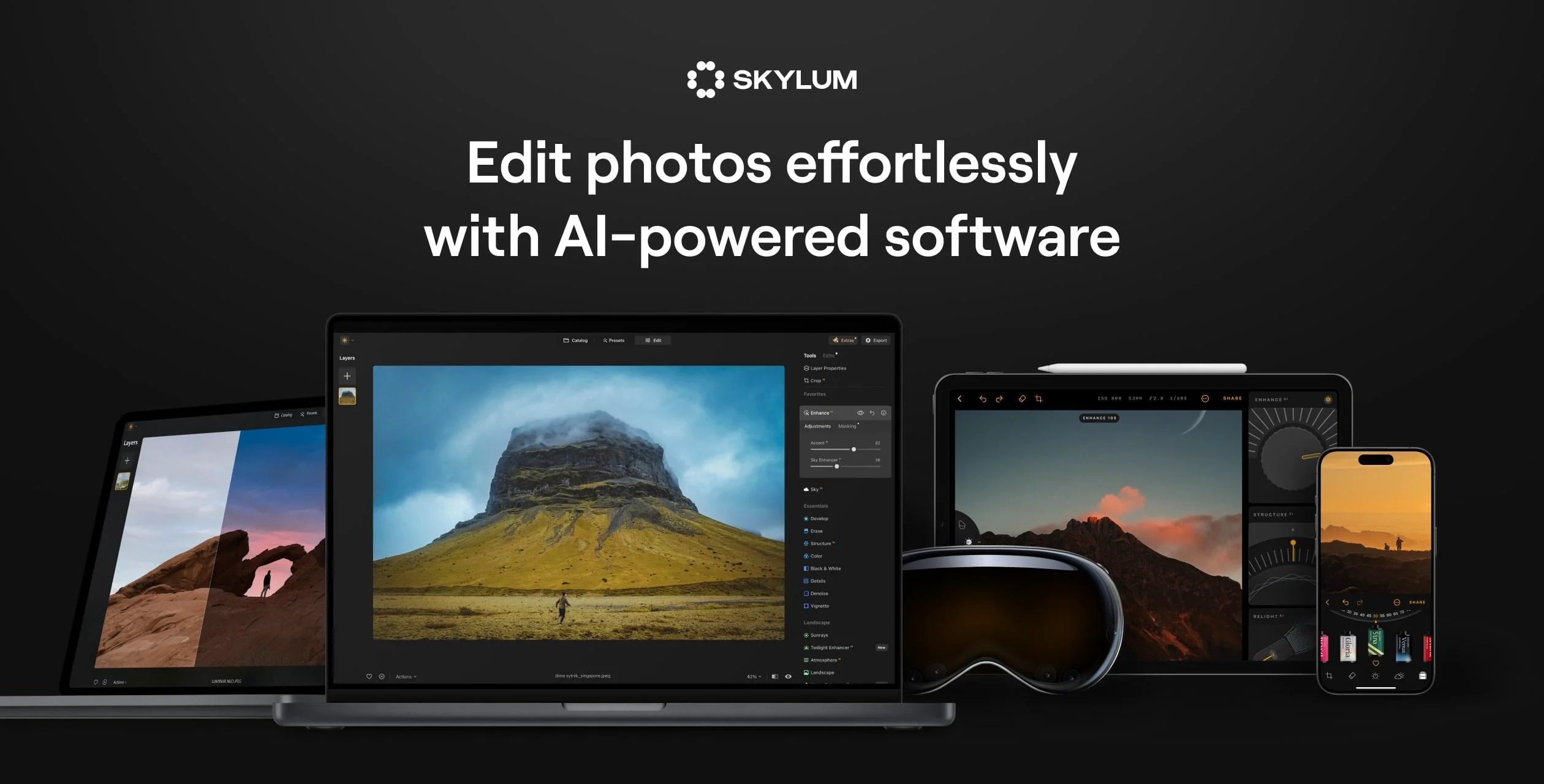
Skylum Luminar is a comprehensive AI-powered photo editing platform built for photographers of all skill levels. Its flagship product, Luminar Neo, is available for macOS and Windows and is packed with cutting-edge AI tools that automate complex editing tasks — from replacing skies and removing power lines to retouching portraits and enhancing landscapes with a single slider. The Accent AI feature intelligently balances hue, saturation, highlights, contrast, and detail automatically, while Portrait Bokeh softens backgrounds and refines skin tones for professional-grade results. Luminar Mobile extends these capabilities to iPhone, iPad, and Android devices, earning a 4.8-star rating on the Apple App Store. For professional portrait photographers, Skylum also offers Aperty, a next-gen AI retouching tool designed to streamline studio workflows. The platform also includes a marketplace with 800+ editing add-ons, presets, courses, and e-books created by professional photographers. Features like Panorama Stitching, Focus Stacking, Magic Light, and Dust Removal make it a versatile choice for landscape, portrait, street, and event photographers. With an Apple 'Best of the Year' award for five consecutive years and praise from leading tech publications, Skylum Luminar stands out as a powerful yet accessible alternative to traditional photo editing software.
Key Features
- AI Sky Replacement: Automatically detects and replaces skies in photos with realistic alternatives, seamlessly blending lighting and reflections.
- Accent AI One-Slider Enhancement: Intelligently balances hue, saturation, highlights, contrast, and detail with a single slider for instant professional results.
- Portrait Bokeh & Skin Retouching: Softens backgrounds, adjusts depth correction, and subtly retouches skin tones to make portrait subjects stand out.
- AI Background & Object Removal: Removes distracting elements like power lines, dust spots, and unwanted backgrounds automatically using AI detection.
- Cross-Platform Editing (Desktop & Mobile): Edit on Mac, Windows, iPhone, iPad, or Android with Luminar Neo and Luminar Mobile for a seamless multi-device workflow.
Use Cases
- Landscape photographers can use Sky Replacement, Panorama Stitching, and Magic Light tools to transform outdoor shots into dramatic, publication-ready images.
- Portrait photographers can automate skin retouching, apply Portrait Bokeh, and use Aperty for professional studio-quality results with minimal manual effort.
- Content creators and social media influencers can quickly edit and enhance photos on their mobile devices using Luminar Mobile for iOS and Android.
- Amateur photographers looking to improve their shots can leverage Accent AI's one-slider enhancement to achieve professional results without advanced editing knowledge.
- Photography educators and workshop instructors can use the Skylum Marketplace's courses and e-books to teach editing techniques powered by Luminar Neo.
Pros
- Intuitive AI Automation: AI-driven tools dramatically reduce editing time, making complex adjustments accessible even to beginners with little prior experience.
- Award-Winning Design: Recognized by Apple as 'Best of the Year' for five consecutive years, reflecting a polished, user-friendly interface.
- Rich Ecosystem & Marketplace: Access 800+ add-ons, presets, and professional photography courses directly within the platform to expand creative possibilities.
- Available on Desktop & Mobile: Seamlessly edit across Mac, PC, iPhone, iPad, and Android, giving photographers flexibility wherever they shoot.
Cons
- Subscription / Paid Model: Luminar Neo requires a paid plan with no permanent free tier, which may be a barrier for casual users or hobbyists on a budget.
- Less Industry-Standard Recognition: Despite its quality, Luminar is less widely used in professional studios compared to Adobe Lightroom or Photoshop, which can affect collaboration.
- AI Tools May Limit Manual Control: Heavy reliance on automation can feel limiting for advanced photographers who prefer granular manual editing workflows.
Frequently Asked Questions
What is Luminar Neo?
Luminar Neo is Skylum's flagship AI-powered photo editing software for Mac and Windows. It features intelligent tools like Sky Replacement, Portrait Bokeh, Accent AI, and Background Removal to simplify complex editing tasks.
Is there a free version of Luminar Neo?
Luminar Neo does not offer a permanent free tier, but Skylum typically provides a free trial period so users can test the software before purchasing a subscription or one-time license.
What devices does Luminar support?
Luminar Neo is available on macOS and Windows desktops. Luminar Mobile is available for iPhone, iPad, Android, and ChromeOS, making it a cross-platform editing solution.
How does Luminar Neo's AI differ from traditional photo editors?
Unlike traditional editors that require manual adjustments, Luminar Neo uses AI to detect and enhance elements like skies, faces, and structures automatically — reducing hours of editing to just a few clicks.
What is the Skylum Marketplace?
The Skylum Marketplace offers 800+ editing add-ons, presets, courses, and e-books created by professional photographers to help users expand their editing skills and creative toolkit.