

About
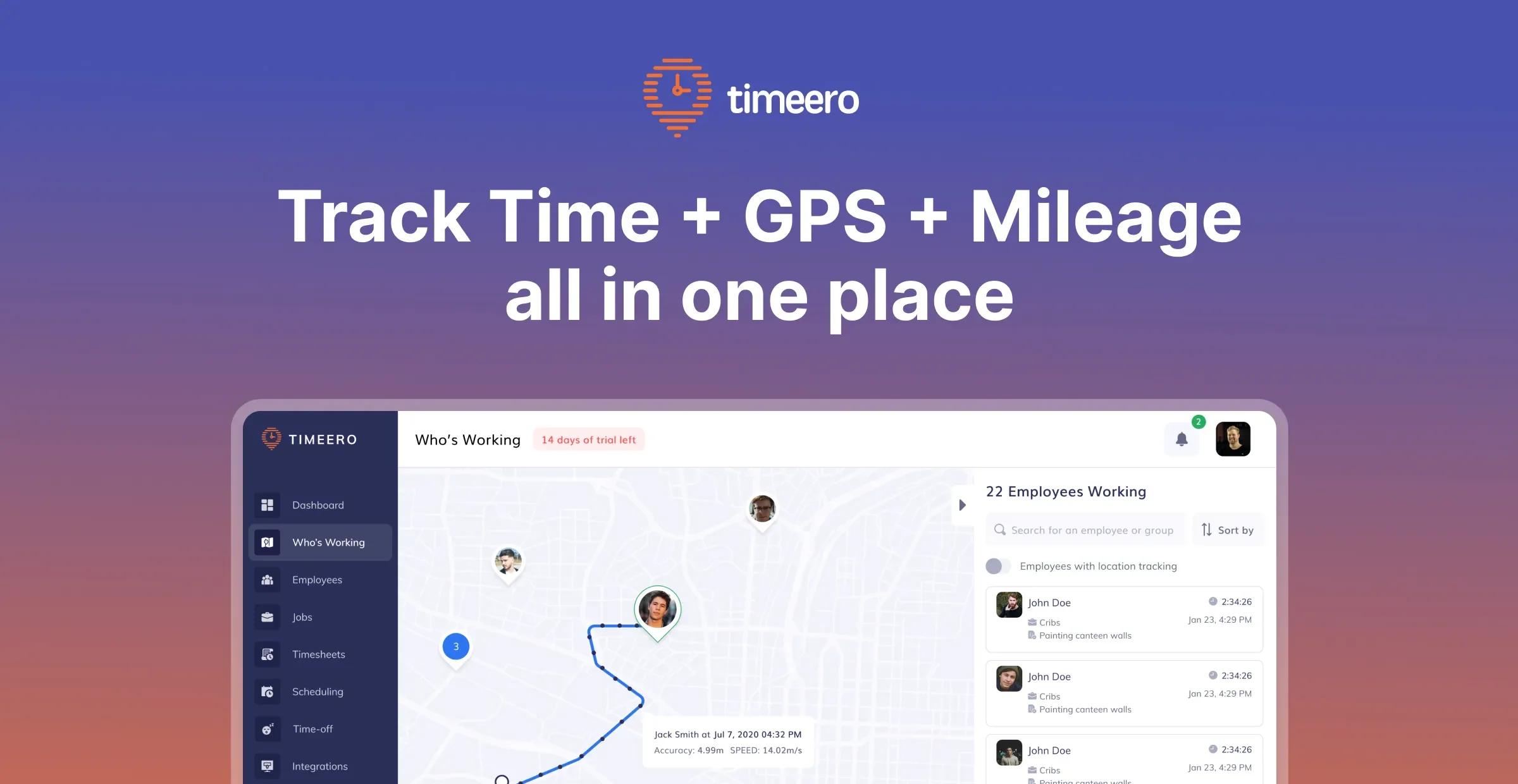
Timeero is a comprehensive GPS time tracking and mileage tracking solution trusted by thousands of small businesses. Built for teams that work in the field, it enables employers to monitor employee hours, locations, and mileage in real time — all from one centralized platform. With Timeero's GPS time clock, employees can clock in and out with a single tap while their location is recorded throughout the shift. Managers get a live breadcrumb trail showing where each team member is or has been, with alerts for out-of-bounds locations. The mileage tracking feature automatically logs routes taken, calculates total miles driven, and generates reimbursement-ready reports — eliminating the need for odometer readings or third-party hardware. Timeero's segmented tracking feature differentiates drive time from on-site time, automatically building a workday timeline without manual job switching. Geofencing capabilities enforce location-based clock-in rules and send automatic reminders when employees arrive at or leave a job site. Additional features include employee scheduling, time-off tracking, face recognition clock-in, EVV (Electronic Visit Verification) for home health aides, and California break compliance tracking. Timeero integrates with QuickBooks, Gusto, ADP, Paychex, Paylocity, and Zapier for seamless payroll and workflow automation. Timeero is ideal for construction companies, healthcare providers, delivery services, field sales teams, and any business that needs reliable, location-verified employee time and mileage data.
Key Features
- GPS Time Clock: Employees clock in and out via mobile app while GPS records their real-time location and creates a full breadcrumb trail of their workday.
- Automatic Mileage Tracking: Logs mileage automatically as employees travel, generating accurate reimbursement reports without odometer readings or external hardware.
- Segmented Tracking: Automatically differentiates drive time from on-site time, building a complete workday timeline without requiring manual job punch-outs.
- Geofencing: Set location boundaries to enforce on-site clock-ins, prevent buddy punching, and send automatic reminders when employees arrive or leave a job site.
- Payroll Integrations: Connects with QuickBooks, Gusto, ADP, Paychex, Paylocity, and Zapier to seamlessly export hours and mileage data for fast, accurate payroll processing.
Use Cases
- A construction company tracks when crews arrive at job sites and logs their hours accurately for client billing and payroll.
- A home health agency uses Timeero's EVV system to verify caregiver visits, meeting compliance requirements for Medicaid billing.
- A delivery or logistics business monitors driver routes in real time, reimbursing mileage accurately and reducing fraudulent claims.
- A field sales team manager uses GPS tracking to confirm reps are visiting assigned accounts and monitors their daily activity without micromanaging.
- A small business owner integrates Timeero with QuickBooks to automate payroll processing, saving hours every pay period.
Pros
- All-in-one field workforce tool: Combines time tracking, GPS monitoring, mileage logging, scheduling, and payroll integration into a single platform, reducing the need for multiple tools.
- Real-time location visibility: Managers can see exactly where field employees are at any moment, improving accountability and job dispatching efficiency.
- Strong payroll integrations: Native integrations with major payroll providers like QuickBooks, ADP, and Gusto make running payroll fast and error-free.
- Automated mileage accuracy: GPS-based mileage tracking eliminates manual logs and over-reimbursement by capturing the exact routes employees travel.
Cons
- Requires mobile device for field features: Core GPS and mileage tracking features depend on employees having a compatible smartphone, which may not suit all workforces.
- Privacy considerations: Continuous GPS tracking of employees may raise privacy concerns, especially if used outside of work hours or in regions with strict data laws.
- Learning curve for setup: Configuring geofences, integrations, and scheduling rules may require initial time investment and support for new administrators.
Frequently Asked Questions
How does Timeero track employee mileage?
Timeero uses GPS data collected while an employee is clocked in to automatically log the routes they travel and calculate total miles driven. No odometer readings or third-party hardware are needed.
Does Timeero work for remote or field-based employees?
Yes. Timeero is specifically designed for mobile and field-based workforces. Employees use the mobile app to clock in and out, and managers can monitor their location and activity in real time.
What payroll platforms does Timeero integrate with?
Timeero integrates natively with QuickBooks, Gusto, ADP (RUN and Workforce Now), Paychex Flex, and Paylocity. It also connects with over 5,000 apps via Zapier.
What is segmented tracking in Timeero?
Segmented tracking automatically distinguishes between time spent driving and time spent on-site at a job location, creating a detailed workday timeline without requiring employees to manually punch in and out of each task.
Is there a free trial available?
Yes, Timeero offers a free trial so businesses can explore the platform's features before committing to a paid plan.