
About
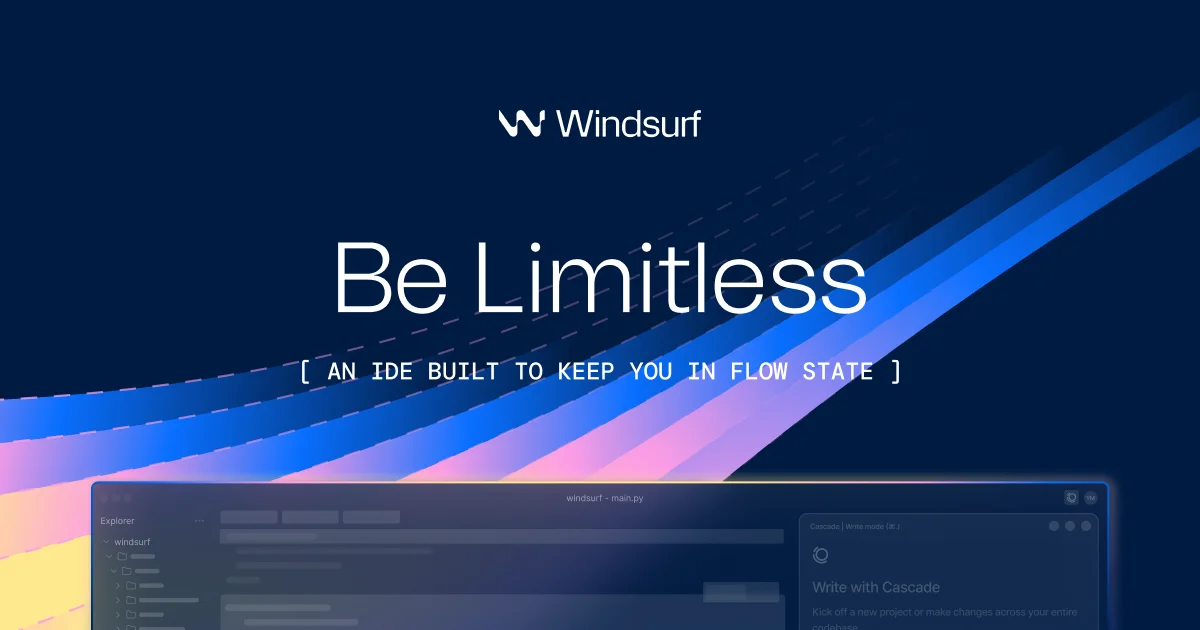
Windsurf is the world's most advanced AI-native IDE, built for individual developers and enterprise teams who want to maximize productivity and stay in flow. At its core is Cascade, a powerful AI agent that goes far beyond simple code completion — it remembers important context about your codebase and workflow, automatically detects and fixes lint errors it generates, and can continue work right where you left off. Windsurf supports MCP (Model Context Protocol), allowing developers to connect custom tools and services such as Figma, Slack, Stripe, PostgreSQL, Playwright, and more with one-click setup. Its drag-and-drop image support lets you drop design mockups directly into Cascade to instantly scaffold matching UI. The Turbo Mode feature enables Cascade to auto-execute terminal commands, run previews, and even deploy apps with minimal human intervention. Trusted by over 1 million users and 4,000+ enterprise customers, Windsurf reports that 94% of code in its ecosystem is written by AI — drastically reducing time spent on boilerplate and repetitive tasks. Whether you're a solo developer building a side project or an enterprise engineering team shipping production software, Windsurf's intuitive UX and deep AI integration make it a compelling alternative to tools like Cursor. It is particularly praised for its seamless in-flow experience, live preview capabilities, and ease of MCP/extension setup.
Key Features
- Cascade AI Agent with Memory: Cascade remembers important context about your codebase and workflow, allowing it to pick up tasks where you left off and maintain continuity across sessions.
- Automatic Lint Error Detection & Fixing: Cascade automatically detects lint errors it introduces and resolves them without requiring manual intervention, keeping code clean and compliant.
- MCP (Model Context Protocol) Support: Connect custom tools and external services like Figma, Slack, Stripe, PostgreSQL, and Playwright with one-click setup directly from Windsurf settings.
- Turbo Mode & Terminal Command Execution: Enable Turbo Mode to let Cascade auto-execute terminal commands, run previews, and deploy apps autonomously, dramatically accelerating development.
- Drag-and-Drop Design-to-Code: Drop design images directly into Cascade to instantly generate matching UI layouts and components, bridging the gap between design and code.
Use Cases
- Solo developers building full-stack web applications with minimal boilerplate using AI-generated code.
- Enterprise engineering teams accelerating product development by automating repetitive coding, linting, and deployment tasks.
- Designers and product builders converting UI mockups into working code by dragging design images directly into the Cascade agent.
- Developers integrating third-party services like databases, communication tools, and payment systems via MCP with one-click setup.
- Vibe coders and non-traditional developers who want to build functional apps from natural language prompts with live preview support.
Pros
- Exceptional In-Flow Developer Experience: Windsurf is widely praised for its intuitive UX that minimizes context switching, keeping developers focused and productive with seamless AI assistance.
- Powerful MCP Ecosystem: One-click MCP server setup for popular tools like Figma, Slack, and databases makes extending Windsurf's capabilities fast and straightforward.
- High AI Code Coverage: With 94% of code written by AI, Windsurf dramatically reduces time on boilerplate, freeing developers to focus on creative and high-value work.
- Enterprise-Ready at Scale: Trusted by 4,000+ enterprise customers, Windsurf provides the reliability, security, and collaboration features that teams need in production environments.
Cons
- Freemium Limits on Advanced Features: Some powerful features like Turbo Mode and extended Cascade usage may be gated behind paid plans, limiting free-tier access for heavy users.
- Resource Intensive: As a full AI-native IDE, Windsurf may require more system resources compared to lightweight editors or simple AI coding plugins.
- Newer Ecosystem Compared to Established IDEs: While rapidly growing, Windsurf's extension and plugin ecosystem is still maturing compared to more established editors like VS Code.
Frequently Asked Questions
What is Windsurf and how is it different from other AI code editors?
Windsurf is an AI-native IDE built around Cascade, an AI agent that maintains memory of your codebase, auto-fixes errors, executes commands, and continues work autonomously. Unlike plug-in-based AI tools, Windsurf is purpose-built for AI-first development workflows.
What is Cascade in Windsurf?
Cascade is Windsurf's core AI agent. It remembers your codebase structure and workflow, automatically fixes lint issues it creates, supports drag-and-drop design-to-code, and can run in Turbo Mode to auto-execute terminal commands and deploy apps.
Does Windsurf support third-party tool integrations?
Yes. Windsurf supports MCP (Model Context Protocol), allowing one-click integration with tools like Figma, Slack, Stripe, PostgreSQL, Playwright, and Neon directly from the IDE settings.
Is Windsurf suitable for enterprise teams?
Absolutely. Windsurf is trusted by over 4,000 enterprise customers. It offers team collaboration features, enterprise pricing, and the scalability needed for large engineering organizations.
What platforms does Windsurf support?
Windsurf is available as a downloadable desktop application for macOS, Windows, and Linux. It can be downloaded directly from the Windsurf website.