
About
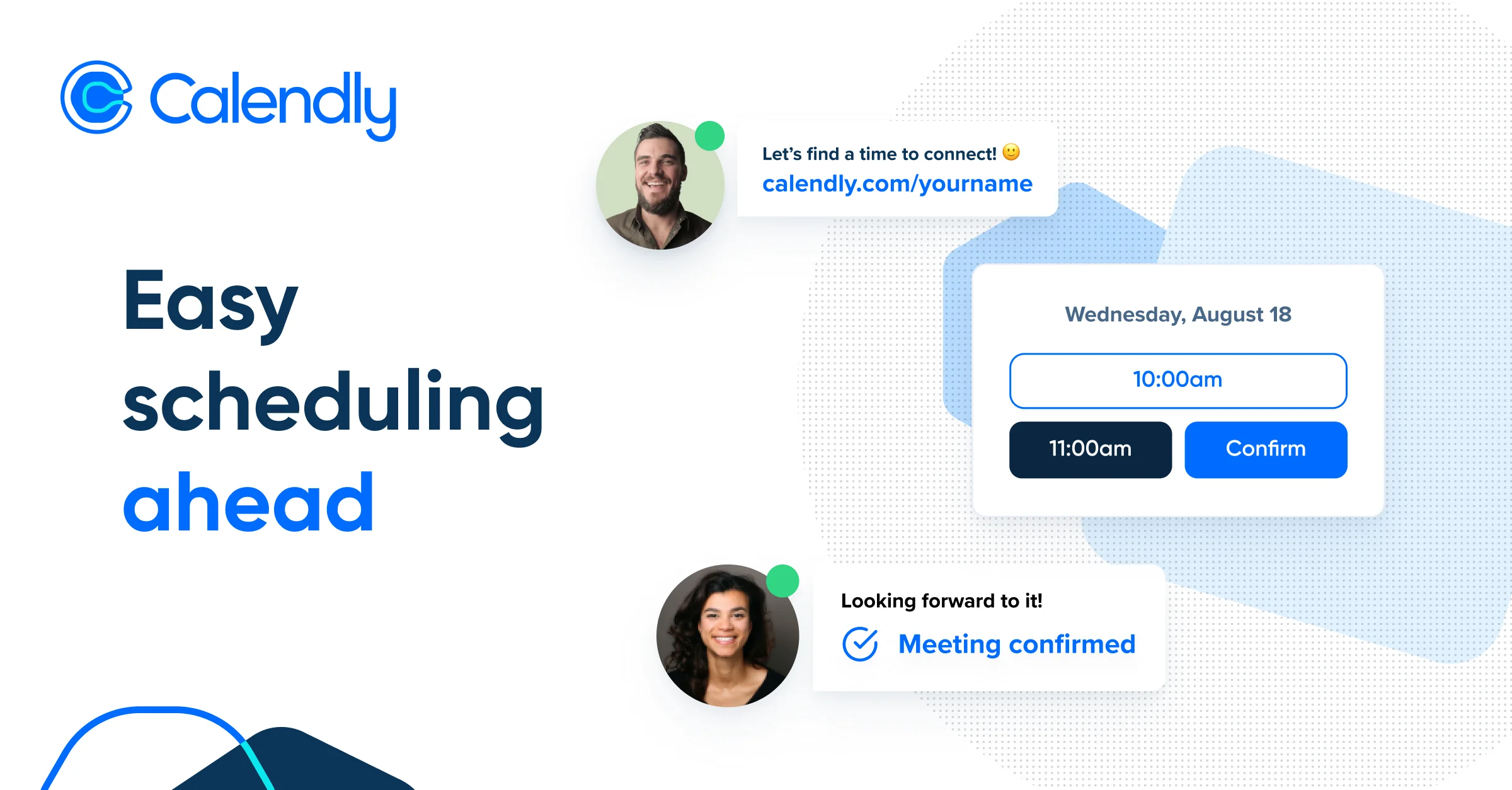
Calendly is a leading scheduling automation platform trusted by more than 100,000 organizations worldwide, including 86% of Fortune 500 companies. It simplifies the process of booking meetings by connecting up to six calendars and sharing live availability links that invitees can use to self-schedule — no more email chains. Users can define granular availability rules, add buffer times, configure scheduling constraints, and create custom or templated event types for any meeting scenario. The platform includes an AI-powered Meeting Notetaker that automatically generates recaps and action items from calls, reducing manual follow-up work. Meeting routing intelligently directs incoming bookings to the right team member based on criteria like territory, seniority, or availability, making it especially valuable for sales and customer success teams. Calendly integrates with 100+ tools including Google Workspace, Microsoft 365, Zoom, HubSpot, Salesforce, and major applicant tracking systems. Calendly offers tiered plans from a free personal tier to enterprise licensing, making it accessible to solopreneurs as well as large organizations. Additional capabilities include email and website embeds, automated reminders and follow-ups, meeting polls, analytics dashboards, and enterprise-grade security controls. It is available on web, iOS, Android, and as a browser extension, ensuring scheduling is always within reach.
Key Features
- Calendar Sync & Availability Sharing: Connect up to six calendars and share a personalized scheduling link with real-time availability, buffer rules, and custom time constraints.
- AI Meeting Notetaker: Automatically captures meeting recaps and action items so participants can stay focused during calls and reference summaries afterward.
- Meeting Routing: Intelligently routes inbound meeting requests to the most appropriate team member based on predefined rules like territory, role, or round-robin assignment.
- 100+ Tool Integrations: Connects with Google Workspace, Microsoft 365, Zoom, Salesforce, HubSpot, major ATS platforms, and payment tools to fit into any workflow.
- Analytics & Admin Controls: Track scheduling activity across teams with built-in analytics, and manage security, compliance, and user permissions via enterprise-grade admin controls.
Use Cases
- Sales teams sharing demo booking links with prospects to reduce manual scheduling and increase meeting volume.
- Recruiters automating interview scheduling with candidates by routing to the appropriate interviewer based on role and availability.
- Customer success managers booking recurring check-ins with clients using automated reminders and follow-up messages.
- Solopreneurs and consultants embedding a scheduling link on their website to let clients book discovery calls instantly.
- HR and recruiting teams reducing time-to-hire by streamlining the scheduling of multi-stage interview processes.
Pros
- Generous Free Tier: A fully functional free plan is available forever for individuals, making it easy to start without any upfront commitment.
- Enterprise-Ready at Scale: Trusted by 86% of Fortune 500 companies with enterprise security, SSO, compliance audits, and admin management built in.
- Extensive Integration Ecosystem: 100+ integrations with major productivity, CRM, video conferencing, and recruiting tools eliminate context switching.
- AI-Enhanced Productivity: The Meeting Notetaker feature adds AI value beyond scheduling, saving time on manual note-taking and follow-up drafting.
Cons
- Enterprise Pricing is Steep: Enterprise plans start at $15,000/year, which may be prohibitive for smaller businesses with larger teams.
- Advanced Features Locked Behind Paid Plans: Key features like meeting routing, analytics, and team management require the Teams or Enterprise tiers.
- Limited Customization on Free Plan: The free tier restricts users to one event type and lacks access to integrations, reminders, and branding customization.
Frequently Asked Questions
Is Calendly free to use?
Yes. Calendly offers a free plan for individual use that is always free. Paid plans start at $10/seat/month (Standard) and $16/seat/month (Teams), with enterprise plans starting at $15,000/year.
What integrations does Calendly support?
Calendly integrates with 100+ tools including Google Calendar, Google Meet, Microsoft Outlook, Microsoft Teams, Zoom, Salesforce, HubSpot, Stripe, and various applicant tracking systems.
How does Calendly's AI Meeting Notetaker work?
The Meeting Notetaker automatically joins your scheduled calls, records the conversation, and generates a structured recap including key discussion points and action items that participants can review after the meeting.
Can Calendly route meetings to different team members?
Yes. Calendly's meeting routing feature directs inbound scheduling requests to the right person on your team based on rules you define, such as round-robin assignment, territory, or seniority.
Is Calendly secure for enterprise use?
Yes. Calendly provides enterprise-grade security including SSO (Google and Azure), data governance, compliance audits, privacy protections, and detailed admin management controls.