

About
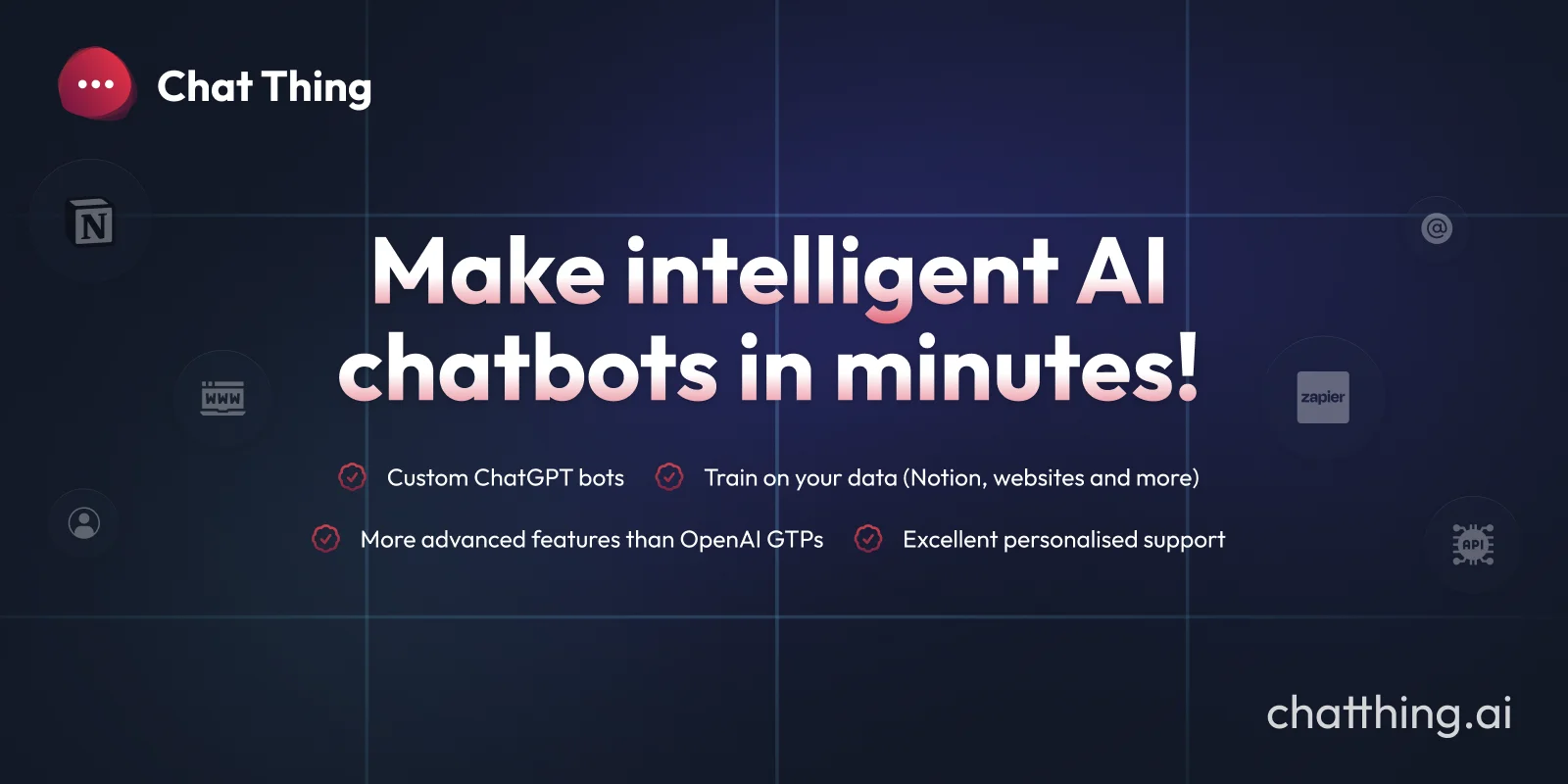
ChatThing is a no-code AI chatbot builder that empowers businesses and creators to deploy intelligent agents trained on their own data. By connecting multiple data sources — including websites, Notion workspaces, YouTube videos, and more — ChatThing builds bots that give accurate, context-aware responses drawn directly from your content. Once created, bots can be deployed across virtually every channel your audience uses: embed them on your website, add them to Slack or Discord communities, or integrate via WhatsApp and Telegram. A single bot can serve multiple channels simultaneously, reducing setup overhead. ChatThing goes beyond basic chatbots with advanced capabilities like Response Guards to prevent AI hallucinations, Power-Ups for third-party integrations (Zapier, Notion Databases), multi-language support, and a conversations analytics dashboard to monitor how users interact with your bot. It supports the latest AI models with adjustable settings like temperature, making it more flexible than standard GPT-based tools. Use cases include 24/7 customer support, lead generation, HR query handling, developer documentation assistants, and community management bots. With 10,000+ users and a gallery of example bots to inspire you, ChatThing is built for businesses, startups, and creators who want AI automation without engineering complexity.
Key Features
- Multi-Source Data Training: Connect your bot to websites, Notion workspaces, YouTube videos, and more. Content is auto-synced so your bot always has up-to-date information.
- Multi-Channel Deployment: Deploy a single bot across your website, Slack, Discord, WhatsApp, Telegram, and custom integrations via the bot API.
- Power-Ups & Integrations: Extend your bot's capabilities with integrations like Zapier and Notion Databases, enabling it to take real actions on behalf of users.
- Response Guards: AI-powered validation layer that checks bot responses before they reach users, reducing hallucinations and improving answer accuracy.
- Analytics & Conversation Viewer: Monitor bot usage with visualizations and search through real conversations to understand how users engage with your bots.
Use Cases
- Automating 24/7 customer support with a bot trained on your product documentation and FAQs.
- Managing a Discord or Slack community by deploying a bot that answers common questions from your knowledge base.
- Building an internal HR assistant that answers employee questions using a company handbook stored in Notion.
- Adding an AI assistant to a blog or content site that helps readers find answers across all published articles.
- Creating an in-app AI guide that helps users navigate a SaaS product and take actions on their behalf.
Pros
- No-Code Setup: Build and deploy fully functional AI chatbots without writing any code, making it accessible to non-technical teams.
- Flexible Multi-Channel Distribution: One bot can run simultaneously across multiple platforms, saving setup time and ensuring consistent AI support everywhere your audience is.
- Advanced Guardrails: Response Guards and bot testing tools go beyond what standard GPT bots offer, helping maintain quality and trust in production.
- Auto-Syncing Data Sources: Content from connected sources is automatically refreshed, so the bot stays accurate without manual intervention.
Cons
- Limited Data Source Options at Launch: While more sources are being added, the current integrations may not cover every enterprise content system out of the box.
- Dependent on Third-Party Integrations for Advanced Actions: Complex automation workflows require connecting external services like Zapier, adding setup complexity for power users.
- Pricing May Scale With Usage: The free tier is limited, and costs can increase as bot usage, channels, and data sources grow for larger businesses.
Frequently Asked Questions
What data sources can I use to train my ChatThing bot?
ChatThing supports a variety of data sources including websites (with automatic crawling), Notion workspaces, YouTube videos, and more. New sources are continuously being added.
Which channels can I deploy my bot on?
You can deploy your bot on your website, Slack, Discord, WhatsApp, Telegram, and any custom platform using ChatThing's bot API.
How does ChatThing prevent AI hallucinations?
ChatThing uses Response Guards — an AI validation layer that checks the bot's answers before they're shown to users, helping ensure responses are grounded in your actual data.
Is ChatThing better than OpenAI GPTs?
ChatThing offers more advanced features than OpenAI GPTs, including multi-channel deployment, Power-Ups for third-party integrations, auto-syncing data sources, analytics, and Response Guards.
Can I get started for free?
Yes, ChatThing offers a free plan to get started. Paid plans unlock additional features, data sources, channels, and higher usage limits.