

About
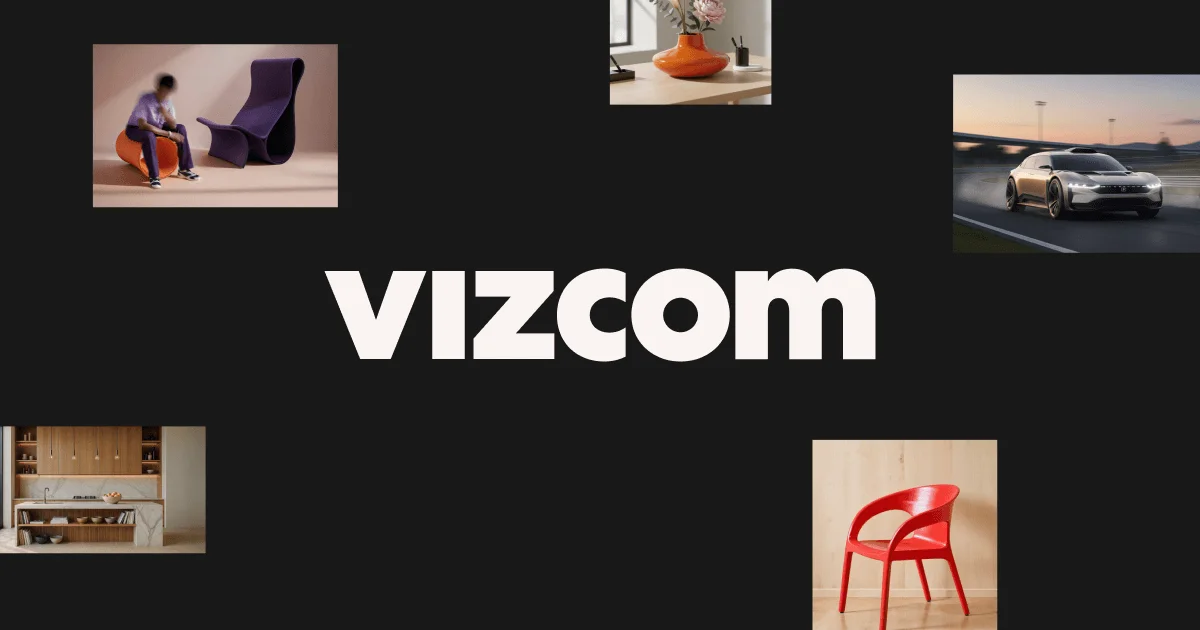
Vizcom is a professional AI design platform tailored for product designers working in industries like industrial design, footwear, automotive, gaming, and apparel. At its core, Vizcom bridges the gap between initial sketch and photorealistic render, allowing designers to go from rough concept to polished visual in seconds rather than hours. The platform offers a rich ideation toolkit that supports sketch rendering, form and color variation, 3D model integration, and animation. Designers can describe changes using natural language — adjusting proportions, colors, materials, or scenes — and see results immediately. The 'New View' feature enables 3D rotation of designs across multiple angles, while the Animate tool allows designers to create short clips or sequences to present motion concepts. Vizcom also supports real-world integration: users can drop in 3D models, swap materials and scenes, add objects to real-world environments, and use the Enhance tool to bring out fine details in renderings. The platform is designed for both individual designers and collaborative teams, with role-based access control for Admins, Editors, and Viewers. With a free starter plan requiring no credit card, Vizcom is accessible to students and professionals alike. Enterprise programs and educator/student pricing are also available. Whether you're designing a sneaker sole, an automotive concept, or a consumer product, Vizcom is built to complement your workflow from digital pixel to physical prototype.
Key Features
- Sketch-to-Render Conversion: Transform rough hand-drawn or digital sketches into photorealistic 3D renders within seconds using AI.
- Natural Language Design Editing: Describe changes in plain language — adjust colors, materials, proportions, or forms — and see results applied instantly.
- 3D Model Visualization: Import any 3D model and instantly swap colors, materials, and scene environments for rapid concept exploration.
- Animation & Motion Direction: Animate design concepts by describing motion in natural language, producing short clips or full sequences to communicate intent.
- Multi-Angle New View: Rotate and view designs from any angle (0°–315°) to explore spatial relationships and perspectives without re-rendering.
Use Cases
- Industrial product designers rapidly iterating on concept sketches to generate photorealistic renders for client presentations.
- Footwear designers visualizing new colorways, materials, and sole shapes from hand-drawn sketches without manual 3D modeling.
- Automotive design teams exploring vehicle body concepts and interior details with fast AI-assisted rendering and 3D rotation views.
- Gaming and apparel companies using Vizcom to quickly prototype character gear, accessories, and wearable designs.
- Design students and educators using the free tier to learn professional-grade design workflows and present polished concept work.
Pros
- Free Starter Plan: Vizcom offers a fully functional free tier with no credit card required, making it accessible for students and independent designers.
- Dramatically Faster Ideation: Compresses the sketch-to-render workflow from hours to seconds, allowing designers to explore more ideas in less time.
- Team Collaboration Support: Role-based access (Admin, Editor, Viewer) with centralized team billing makes it practical for design teams and enterprises.
- Versatile Industry Coverage: Supports a wide range of product design verticals including industrial, automotive, footwear, gaming, and apparel.
Cons
- Paid Plan Required for Full Editing: Admin and Editor roles — needed for full file editing and workspace management — require paid seats, limiting free users to viewer access in teams.
- Niche Focus on Product Design: The platform is purpose-built for physical product designers, making it less suitable for graphic design, UI/UX, or illustration workflows.
- Render Quality Depends on Sketch Input: Output quality and accuracy of renders can vary significantly based on the clarity and detail of the initial sketch provided.
Frequently Asked Questions
Can I use Vizcom for free?
Yes! Vizcom offers a free starter plan that requires no credit card. It's a great way to explore the platform's core features before upgrading.
What payment methods does Vizcom accept?
Vizcom accepts all major credit and debit cards for paid subscriptions.
What are the different user roles in Vizcom?
There are three roles: Admins (paid) who can edit files and manage billing/settings/teams; Editors (paid) who can edit files but not manage settings; and Viewers (free) who have read-only access.
How does team billing work in Vizcom?
Team billing is managed centrally by the Admin. All paid seats (Admins and Editors) are consolidated into a single invoice, while Viewers are free and don't add to the cost.
Can I switch from a monthly to a yearly subscription?
Yes. An Admin can update the billing plan in workspace settings, and the switch to annual pricing will take effect at the start of the next billing cycle.