

About
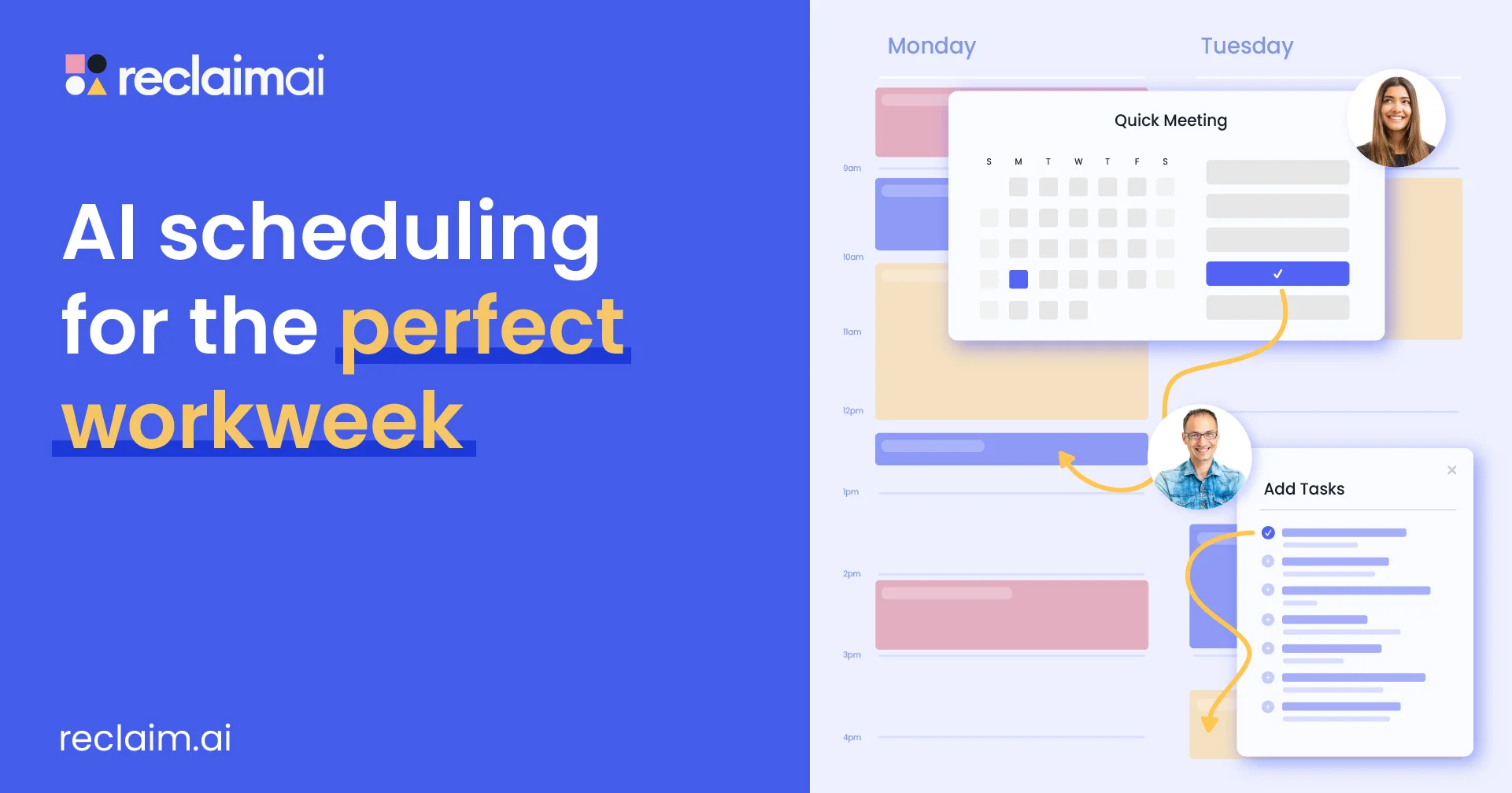
Reclaim AI is an intelligent scheduling platform designed to help individuals, teams, and organizations get more done by automating the way they plan their time. At its core, Reclaim uses AI to find the optimal slots for tasks, recurring habits, focus time, buffer breaks, and meetings — eliminating the manual overhead of calendar management. Key features include AI Focus Time (defends deep-work blocks), AI Smart Meetings (finds the best time across all attendees), AI Scheduling Links (share availability with smart controls), AI Habits (schedules recurring routines intelligently), AI Buffer Time (auto-inserts breaks between events), AI Time Tracking (analyzes time across meetings and tasks), and an AI Planner that builds your ideal daily plan automatically. Reclaim integrates seamlessly with Google Calendar and Outlook Calendar, and connects with project management tools such as Asana, ClickUp, Todoist, Jira, Linear, and Google Tasks, as well as Slack for status sync and Zoom for meetings. It is built for a wide range of teams — engineering, sales, marketing, HR, finance, and executive assistants — providing People Analytics to improve capacity planning and work-life balance across the organization. A powerful free Lite plan is available for individuals, with Starter and Business tiers for growing teams and enterprises.
Key Features
- AI Focus Time: Automatically defends distraction-free deep-work blocks on your calendar based on your goals and availability.
- AI Smart Meetings: Finds the best meeting time across all attendees' schedules, reducing back-and-forth scheduling friction.
- AI Task Scheduling: Flexibly schedules your to-dos from integrations like Asana, Jira, ClickUp, and Todoist directly into your calendar.
- AI Habits & Buffer Time: Intelligently places recurring routines and automatic breaks around your meetings and work sessions.
- People Analytics & Time Tracking: Provides team-wide insights into how time is spent across meetings, tasks, and work-life balance metrics.
Use Cases
- A software engineer uses Reclaim to automatically block focus time for deep coding work and sync Jira tasks directly to their calendar.
- A sales team uses Smart Meetings and Scheduling Links to eliminate back-and-forth when booking demos with prospects.
- An HR manager leverages People Analytics to monitor team work-life balance and identify burnout risks before they escalate.
- A busy executive uses AI Habits to ensure recurring priorities like exercise, 1:1s, and strategic planning are always protected on their calendar.
- A marketing team uses No-Meeting Days and AI Buffer Time to create protected collaborative and individual work time throughout the week.
Pros
- Generous free plan: The free Lite plan for individuals is fully featured with no credit card required, making it accessible to anyone.
- Deep integrations: Connects with Google Calendar, Outlook, Slack, Zoom, and major project management tools like Jira, Asana, and ClickUp.
- Holistic scheduling: Goes beyond meetings to schedule tasks, habits, focus time, and breaks — treating the full workday intelligently.
- Privacy-first AI: Reclaim does not train its AI models on user calendar data, which is an important trust and compliance advantage.
Cons
- Google & Outlook only: Currently limited to Google Calendar and Outlook; users on other calendar platforms cannot use Reclaim.
- Team features require paid plans: Advanced team collaboration features like People Analytics and No-Meeting Days are locked behind Starter and Business subscriptions.
- Learning curve for automation: New users may need time to configure habits, task priorities, and scheduling preferences before the AI works optimally.
Frequently Asked Questions
Is Reclaim AI free to use?
Yes. Reclaim offers a free Lite plan for individuals that requires no credit card. Paid Starter and Business plans are available for teams needing advanced features.
Which calendar platforms does Reclaim support?
Reclaim currently supports Google Calendar and Microsoft Outlook Calendar. It can also sync across multiple calendars simultaneously.
Does Reclaim use my calendar data to train its AI?
No. Reclaim explicitly does not train its AI models on your personal calendar data, ensuring your privacy is protected.
What project management tools does Reclaim integrate with?
Reclaim integrates with Asana, ClickUp, Todoist, Jira, Linear, and Google Tasks, automatically scheduling your tasks from these tools into your calendar.
Who is Reclaim best suited for?
Reclaim is designed for individuals, teams, and organizations across roles including engineering, sales, marketing, HR, finance, and executive assistants who want to optimize how they spend their time.